
Live MLB Scores

Live MLB Scores was developed so that I could always see the time, and score, of Braves games on my Stream Deck. I had hoped someone would create one but, with the advent of AI vibe-coding, I decided to try my hand at it with the help of Claude Cowork. After telling Claude what I wanted, and a short back and forth, the framework was created.
Simply drag Live MLB Scores onto a button on your Stream Deck, select which team you’d like to follow, and if a key press takes you to the current game’s MLB Gameday or MLB.tv page. Once you’ve done that, you’re good to go.
Live MiLB Scores
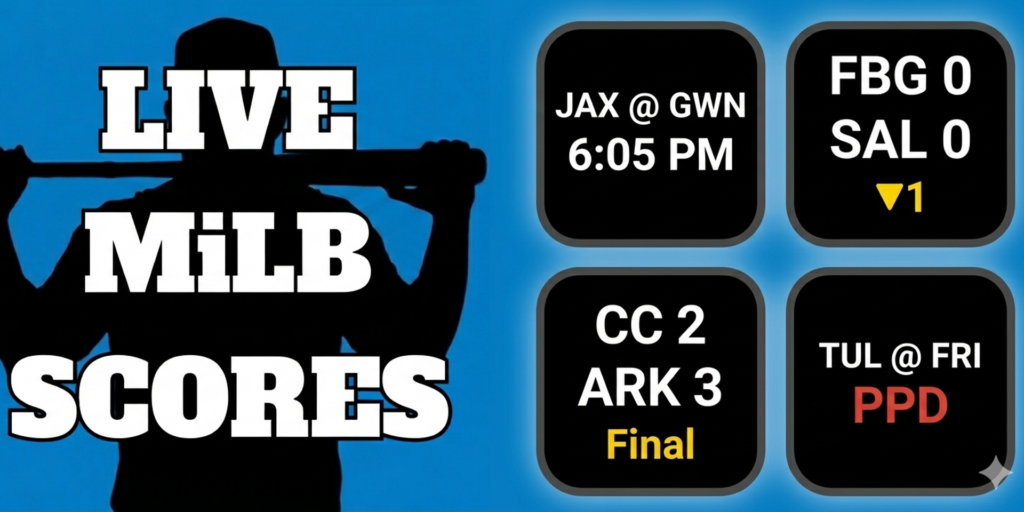
After creating Live MLB Scores, I realized it would also be handy to see the scores of team’s minor league affiliates. Just like with Live MLB Scores, simply drag Live MiLB Scores onto one of the Stream Deck keys, then you can select a MiLB team by either the league that they play in, or their MLB parent organization.
With this one, you have the ability to set the key press to launch and MiLB Gameplay page, or take you to the MiLB.tv stream.
Live MLB Scoreboard
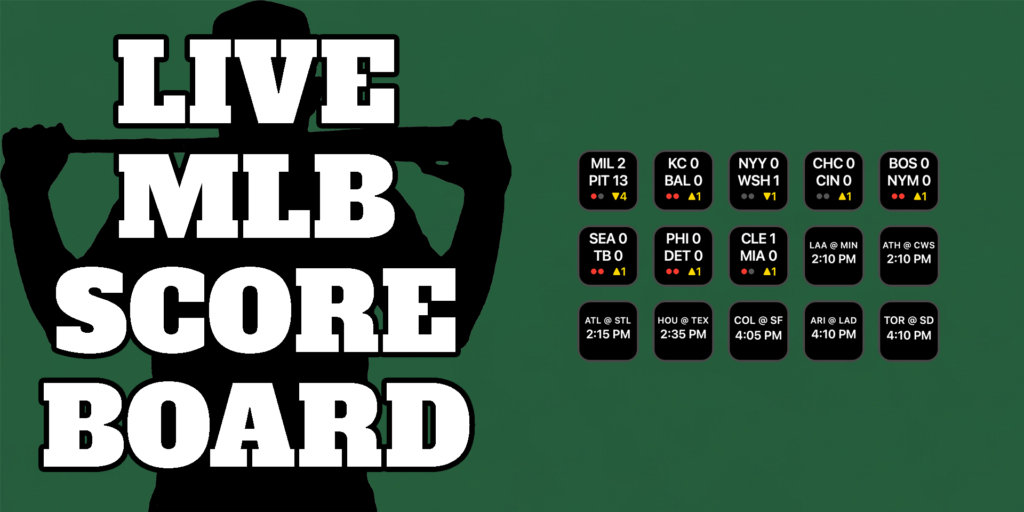
Once Live MLB Scores and Live MiLB Scores were in a good place, I decided that, as a Stream Deck XL user, it would be really convenient to see all of the day’s MLB games on one screen. A little more chatting with Claude, and it was able to create the plugin.
I’d only recommend this for people using a Stream Deck with more than 15 keys, as that is a normal amount of games for a full MLB slate. There could be more if there are double-headers. Another option would be to use this with a Virtual Stream Deck, to have all the scores show up on your screen.
Drag Live MLB Scoreboard onto a key, and it will tell you how many more keys you will need to add until all the day’s games have been added. I personally have 16 keys dedicated to this, just in case there is one double-header. If there are more games than you currently have dedicated keys for, the last key will always show how many more you need.